


Drag and drop on a weekly or monthly grid
Move shifts between people and days. Role stripes show who is doing what. Hours and labour cost update per day, per employee and per week.
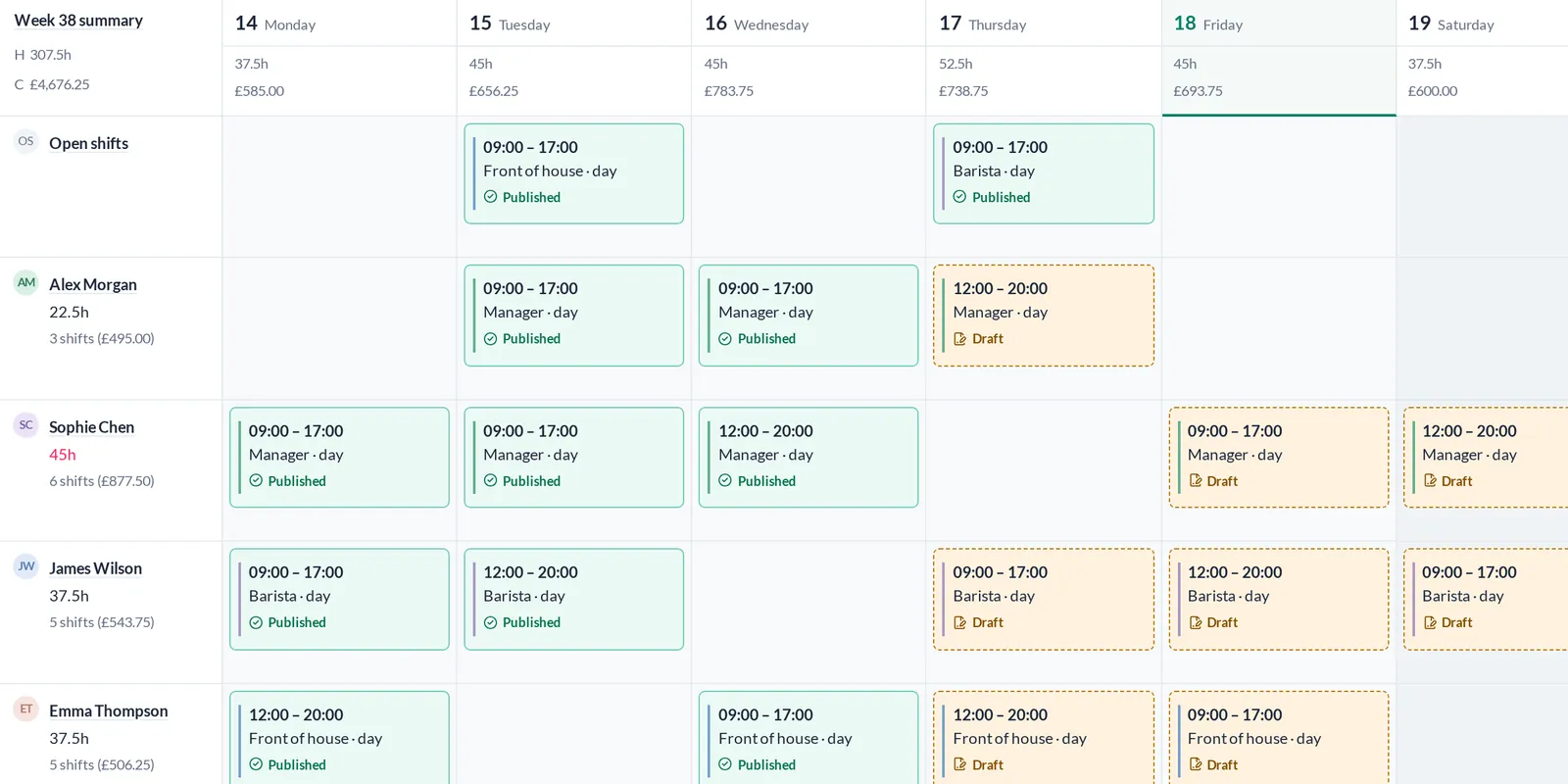
RotaTree is where your managers build the rota, your staff see it on their phones, request leave and clock in on site. One workspace, every location.
Get a demoWeb app. Works on phone, tablet and desktop. Nothing to install.
Six things. Pick one and see the real screen.
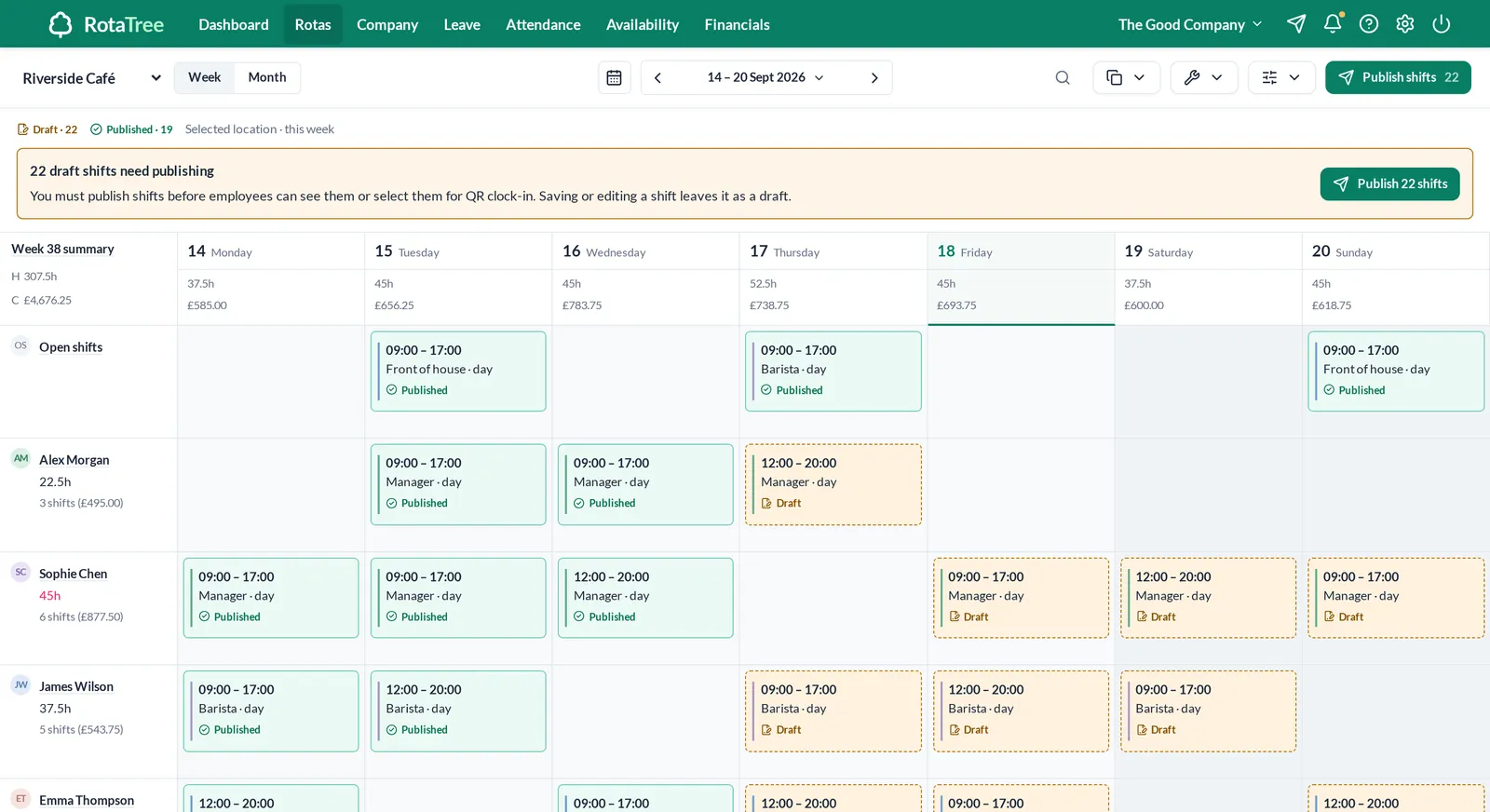
Weekly or monthly grid. Drag shifts, publish when ready.See rotas
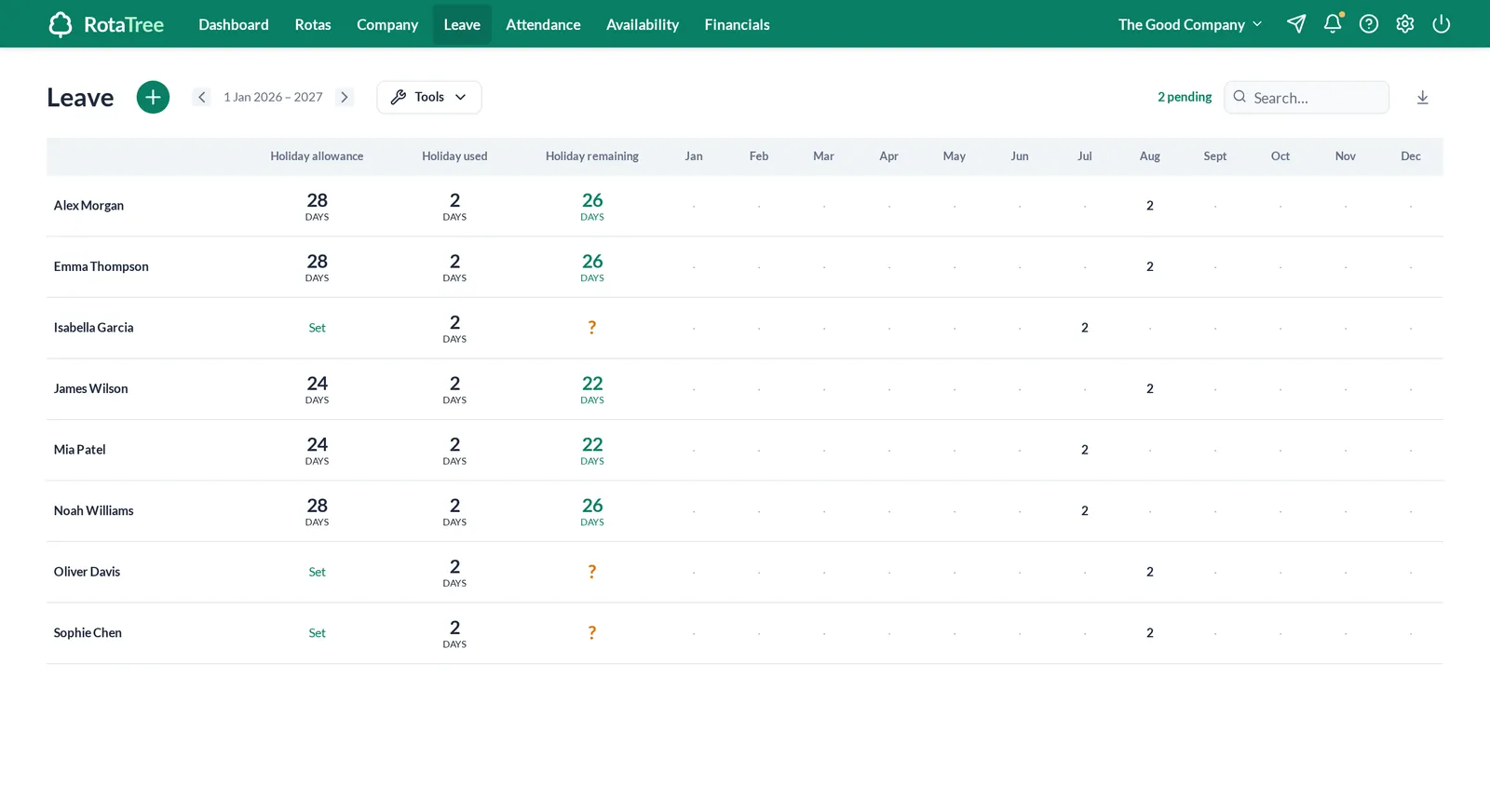
One allowance ledger per person. Requests go to the manager.See leave
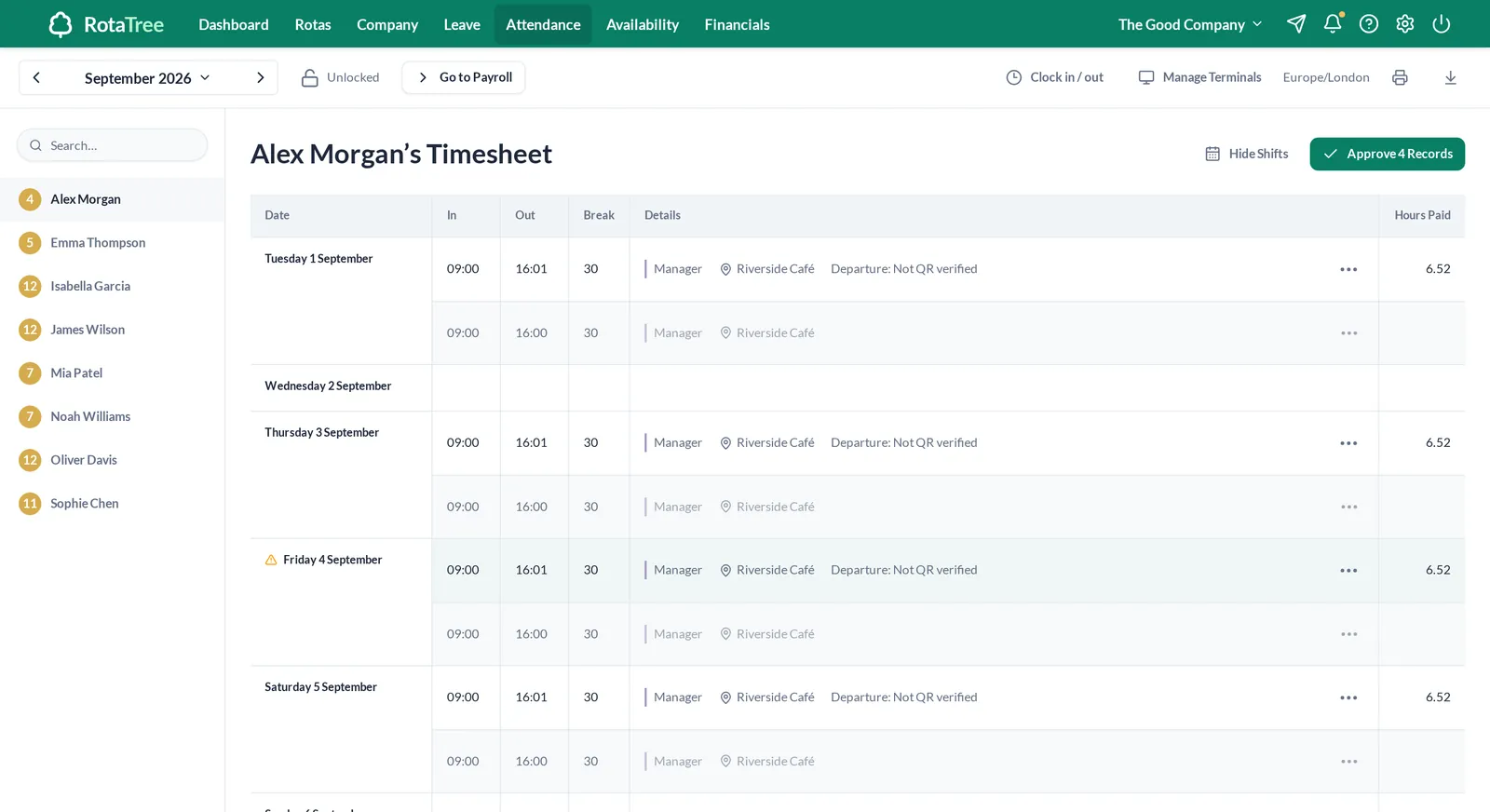
Scheduled next to recorded, late arrivals marked, approved monthly.See attendance
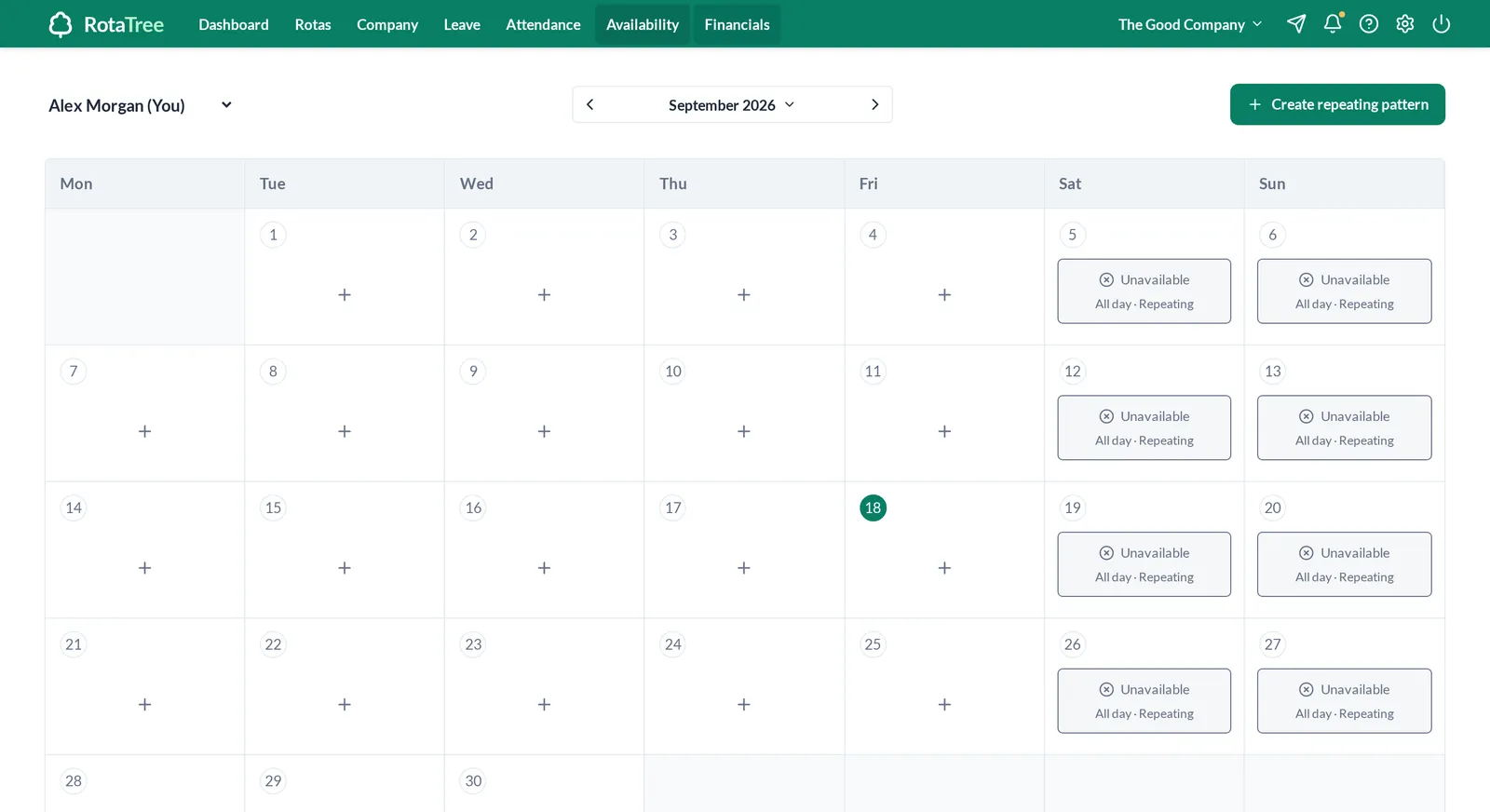
Each person marks when they can and cannot work.See availability
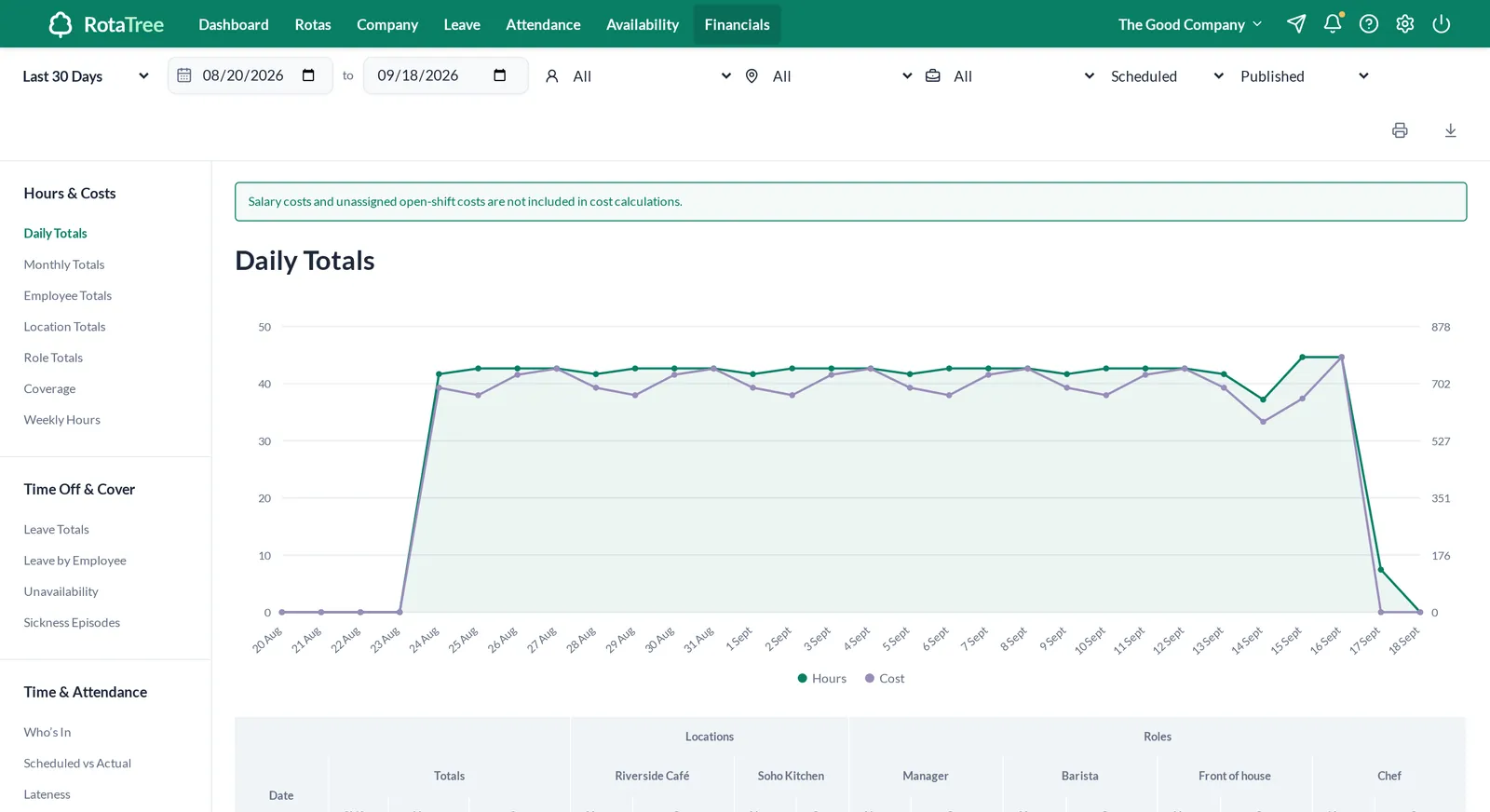
Hours and cost by day, person, location or role. Chart, table, CSV.See reports
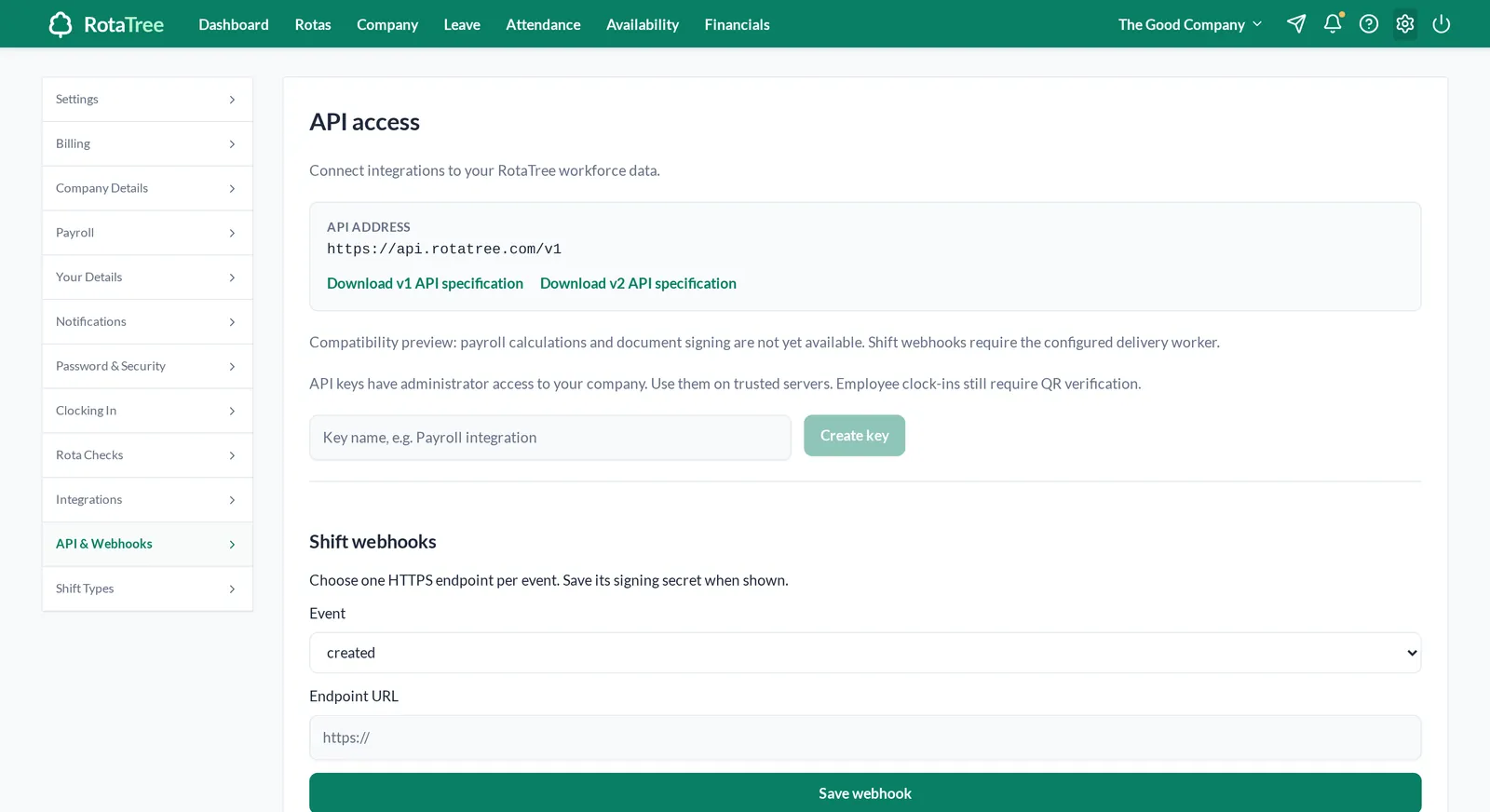
129 RotaCloud-compatible endpoints, admin keys and signed webhooks.See the API
Inside the workspace
Any employer that runs shifts, at one site or many. Managers plan the week, staff check it on their phones, and everyone clocks in at the workplace.
Rotas
Managers build the week in a grid and publish it. Staff see published shifts on their phones and can claim the open ones.
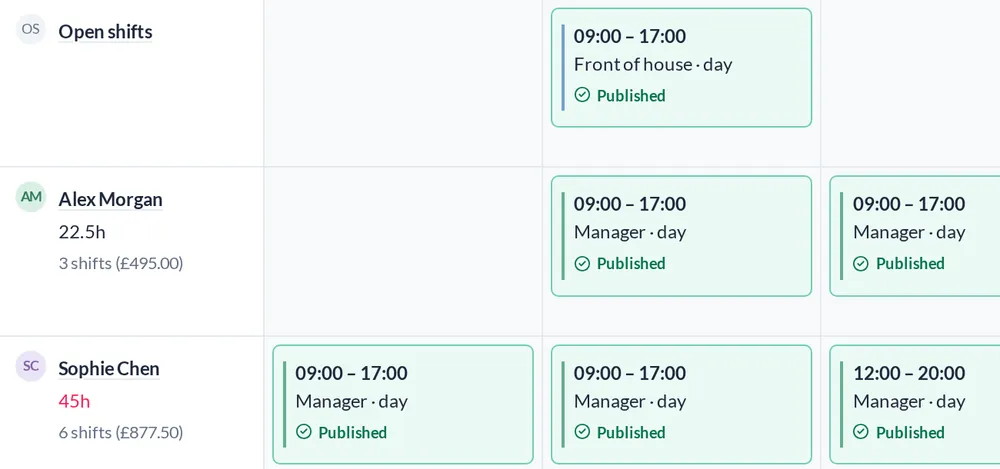
Move shifts between people and days. Role stripes show who is doing what. Hours and labour cost update per day, per employee and per week.
Saving or editing a shift leaves it as a draft. Staff only see it once you publish, and they can acknowledge it.
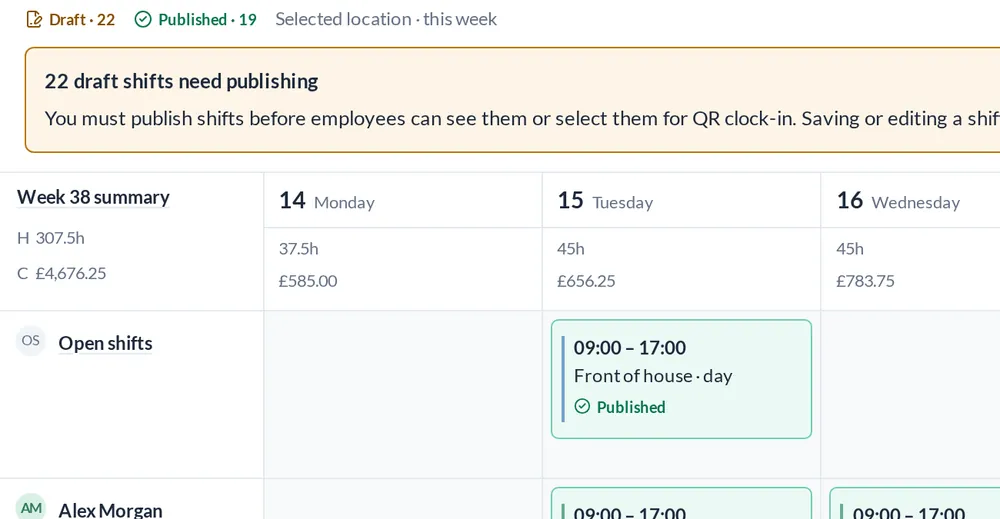
Leave a shift unassigned and employees can pick it up. Drop and swap requests need a manager’s approval.
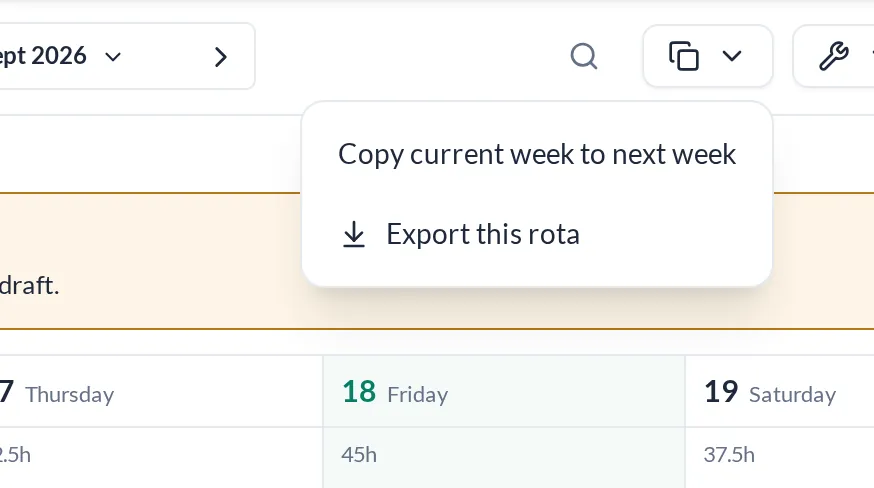
Copy a week forward, then change what is different. Export any week to CSV.
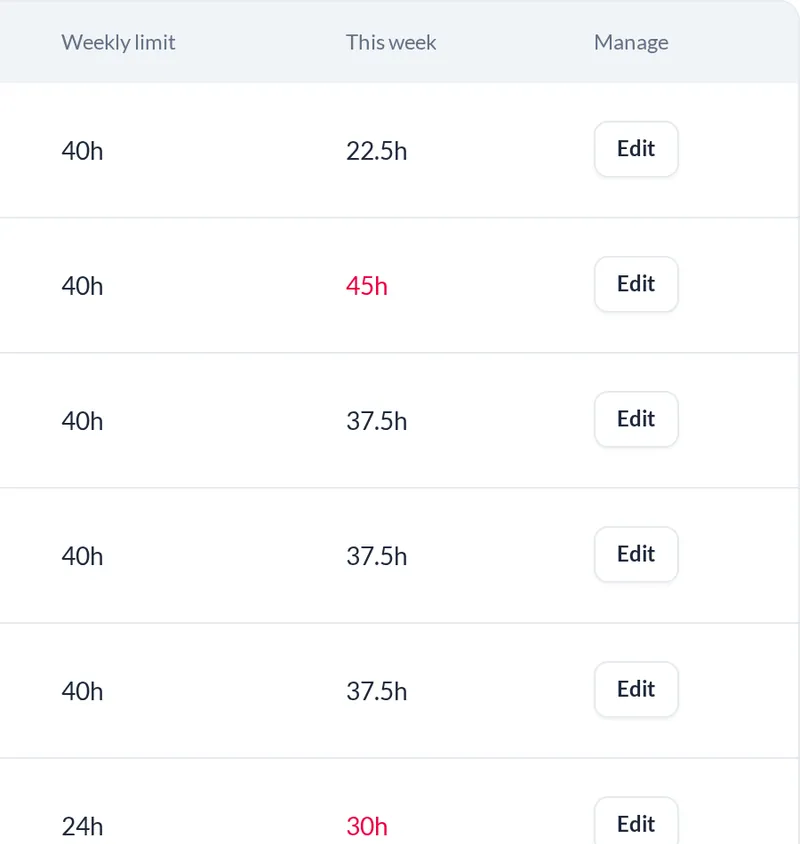
A shift that overlaps another or lands on approved leave fails validation. Weekly-hours warnings show who is over their limit.
Leave and availability
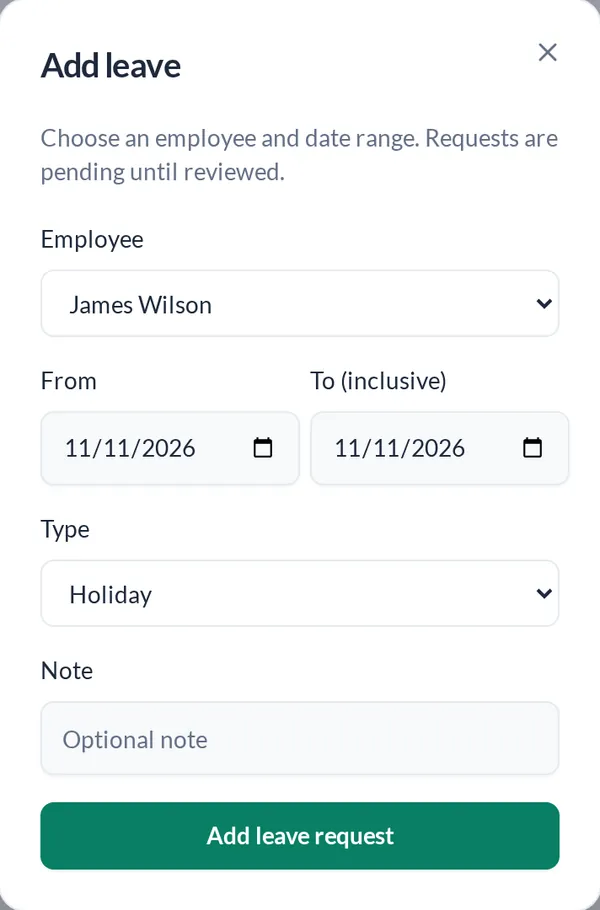
Each person has an allowance. They request time off, the manager approves or denies it, and the rota is checked for clashes.
Holiday, sickness, TOIL and additional leave, with monthly totals and what is left. Export to CSV when payroll asks.
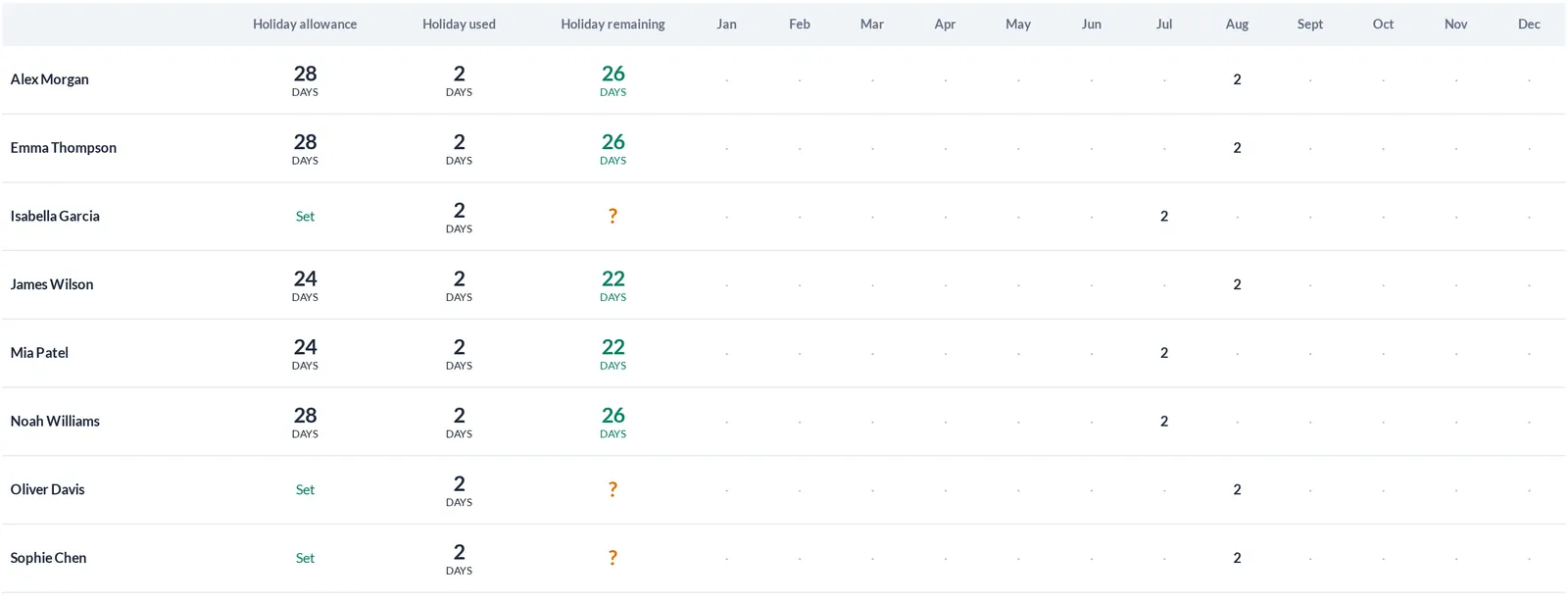
Requests reach the manager as a pending notification. One decision, recorded against the ledger.
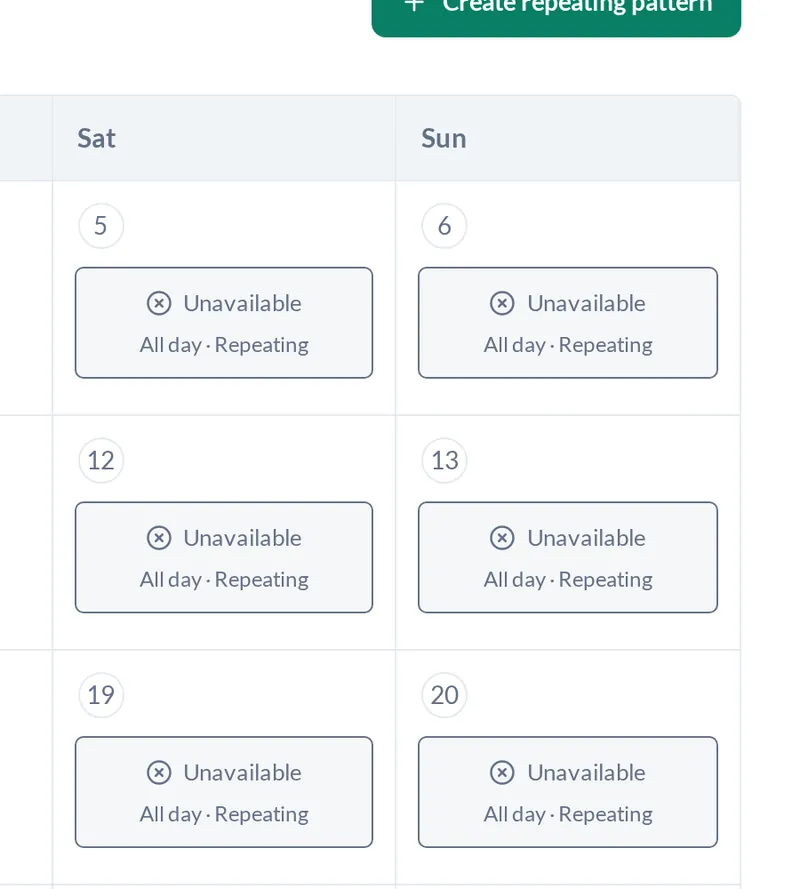
Employees mark themselves available or unavailable, all day or for set hours, and can repeat a weekday pattern. Managers see it while planning.
Leave cannot be approved over a scheduled shift. Move the shift first.
Employees open RotaTree in their phone’s browser to check shifts and request leave. There is nothing to install.
Attendance
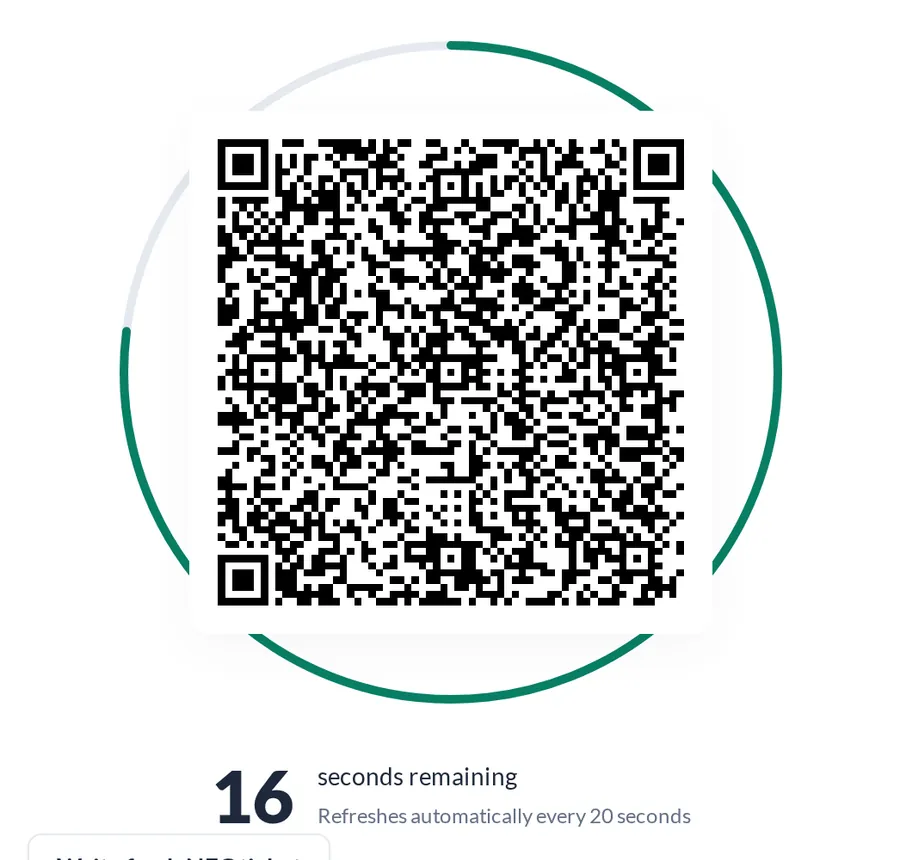
A tablet at the workplace shows a QR code that changes every 20 seconds. Staff scan it with their own phone, on the workplace Wi-Fi. The server records the time.
The workplace terminal shows a code signed on the server. A photo of it sent to a friend is useless a few seconds later.

20 s
A new code every 20 seconds, signed server-side.
The phone has to be on your workplace Wi-Fi. A scan from anywhere else is refused.
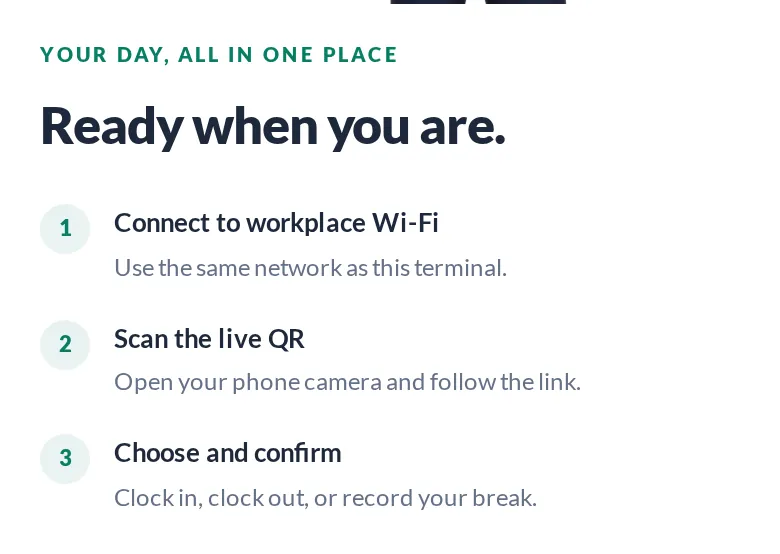
Timestamps come from the server. Late arrivals and breaks are recorded against the scheduled shift.
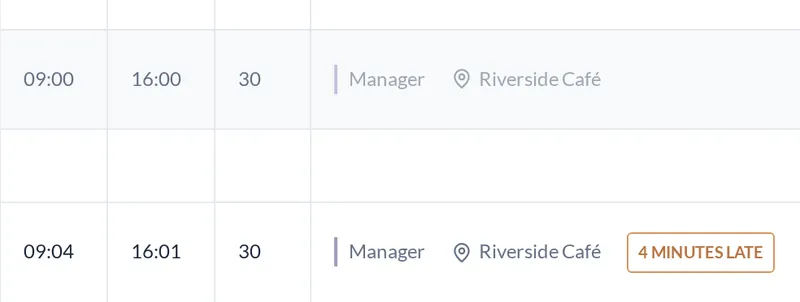
A manager can fix a missed clock-out. The record says it was adjusted by hand.
The older terminal takes a six-digit PIN and locks after five failed attempts. Sites that enforce the Wi-Fi check use the QR code instead.
Once
Each QR code can be used once per person. A reused code is rejected.
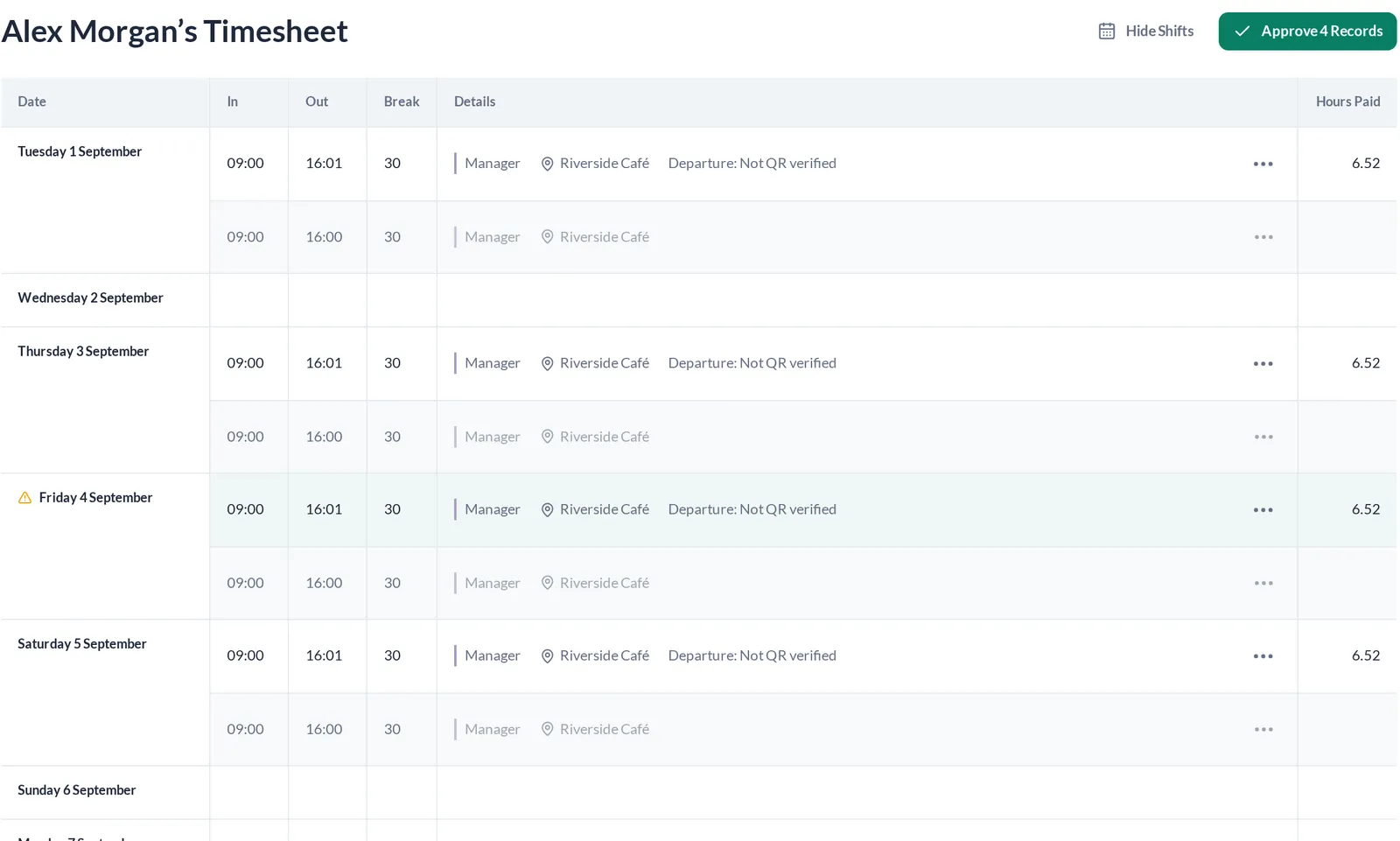
Scheduled next to recorded, for every person. Approve the records, then lock the payroll period. Manual edits are blocked once the period is locked.
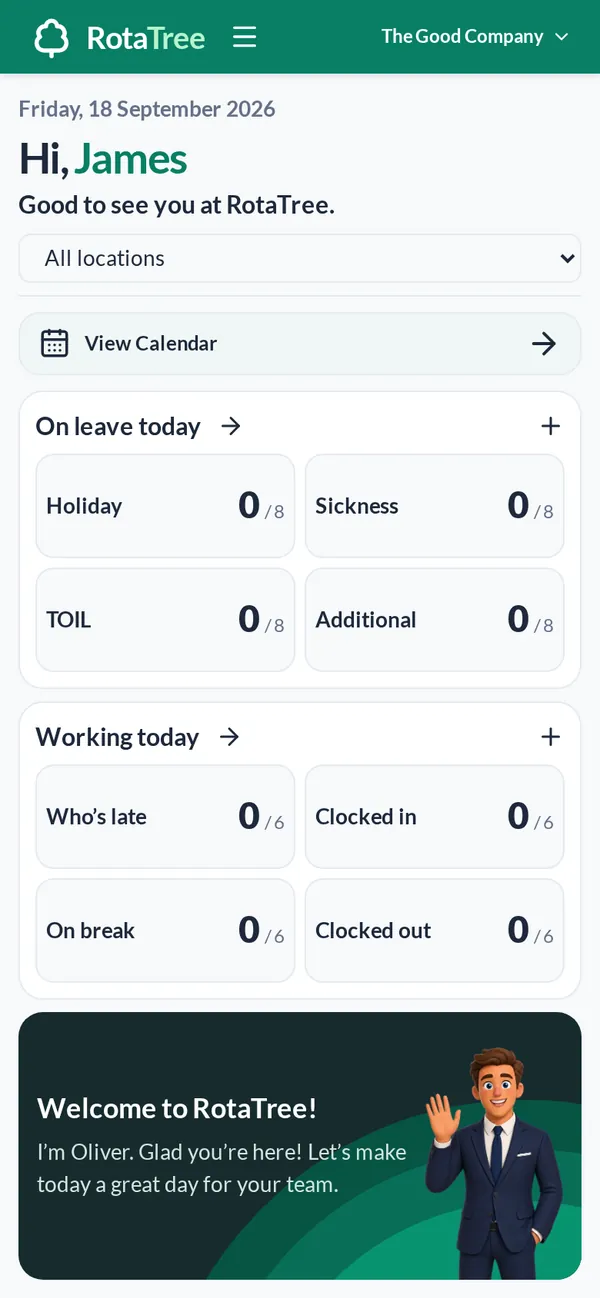
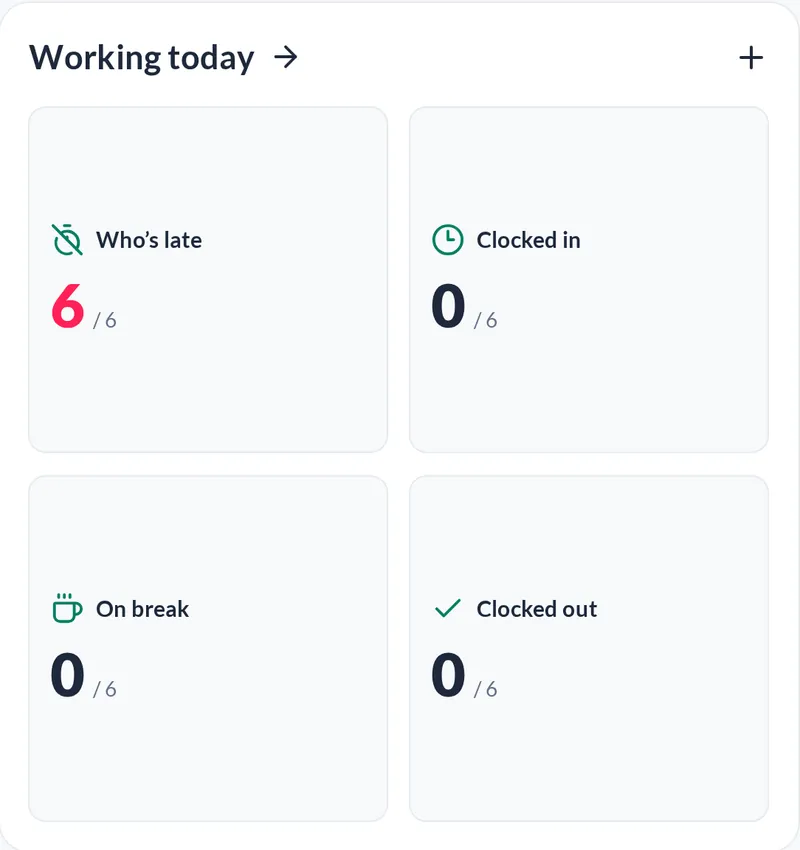
The dashboard shows who is late, clocked in, on break and clocked out today.
Yes. Export anything to CSV, or connect your own systems through the API.
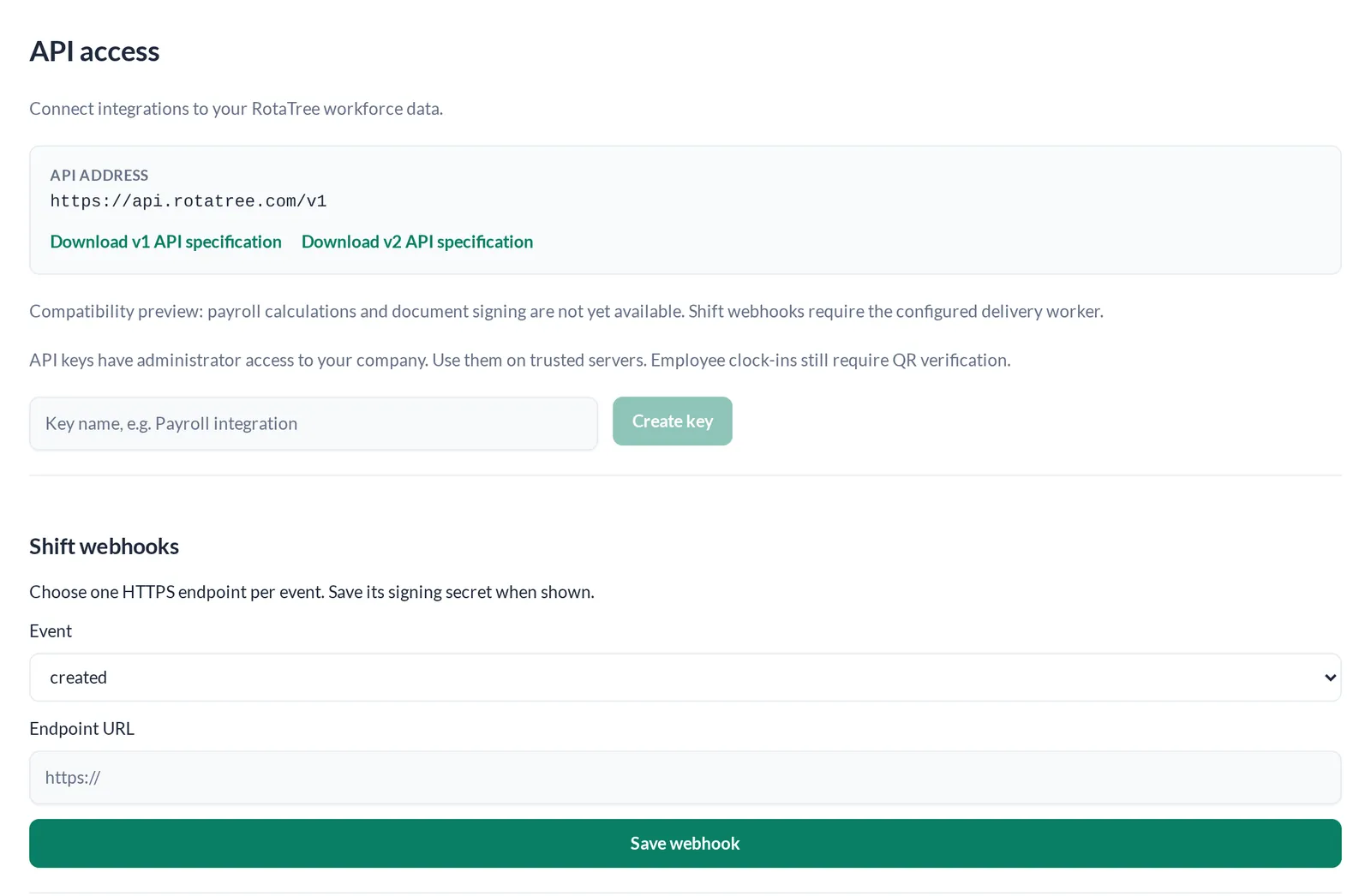
We import your shifts, workers, locations and roles for you, with their IDs preserved. Create a new API key and point your integrations at api.rotatree.com.
Every row belongs to one company, and the database enforces that, not just the app.
Read the security pageGet a demo
Getting started
Three steps. The only hardware is a tablet for the clock-in terminal.
Tell us how big the team is. We will show you RotaTree set up for a team like yours.


